
Win more reviews
Send customers from a receipt, table card or counter sign into a focused review journey.
Build a working QR for reviews, menus, bookings, offers, events or contact details. Watch it update as you edit, make it unmistakably yours, then activate it when you are ready.
Every engine, right here. Nothing opens another page.
Every engine we build, turning on a ring. Drag to spin, click one to pick it.
Pick a purpose - we handle the format.
Only the options this engine actually uses - everything updates live.
Protected preview · activate to use
Protected for reliable scanning as you design.
Preview here as much as you like. Activate to download, track scans, edit destinations, export GIF/MP4 and use the AI engines.
QR Coyote brings the code, the destination and the results together. That means a restaurant can update its menu, a venue can collect guest photos, and a local business can ask for reviews without rebuilding everything each time.
Send customers from a receipt, table card or counter sign into a focused review journey.
Connect flyers, packaging and displays to menus, bookings, offers, videos or contact details.
Use your colours, logo, product artwork, animation or video instead of settling for a generic square.
Use an editable link so the destination can change without throwing away signs, labels or stock.
Compare locations and campaigns, then put your effort behind the messages that earn attention.
White-label partners can present QR campaigns and standalone services as their own client offer.
These are real QR Coyote outputs, not mock-ups. Create dependable everyday codes, branded campaigns, artwork and moving QR experiences - each checked for scanning before download.
No AI, no credits. Instant, prints small, scans hardest.
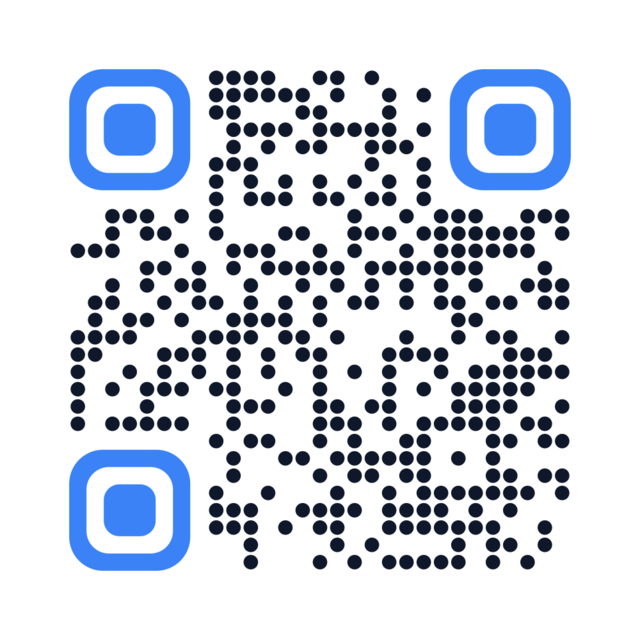
A clean square code. Change dot shape, colours and eyes. Scans best, prints smallest.
Make one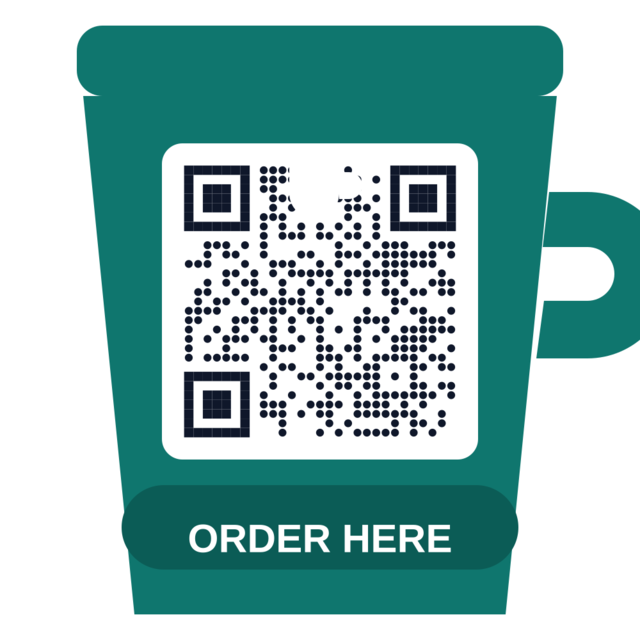
Pick from 137 shapes - cup, badge, house, ticket. The code stays square inside it.
Make one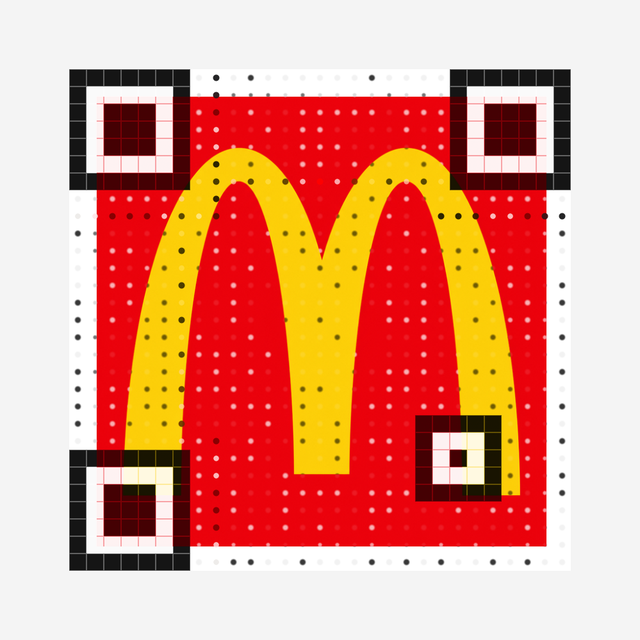
Upload a logo or photo. The code is rebuilt through it - never a logo stuck on top.
Make oneDescribe a subject and get a picture-led code. The two engines make genuinely different looks.
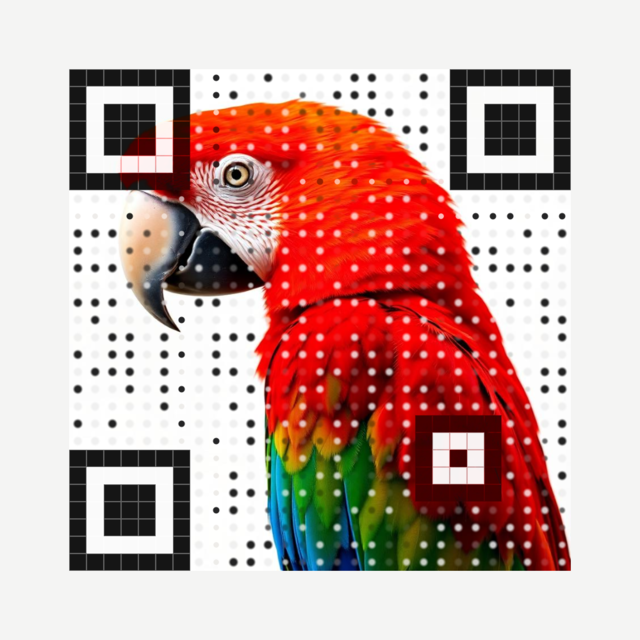
Our own engine. You still see a clean, sharp code - the subject you describe is painted around and behind it. Boldest, most reliable scan. No credits.
Make one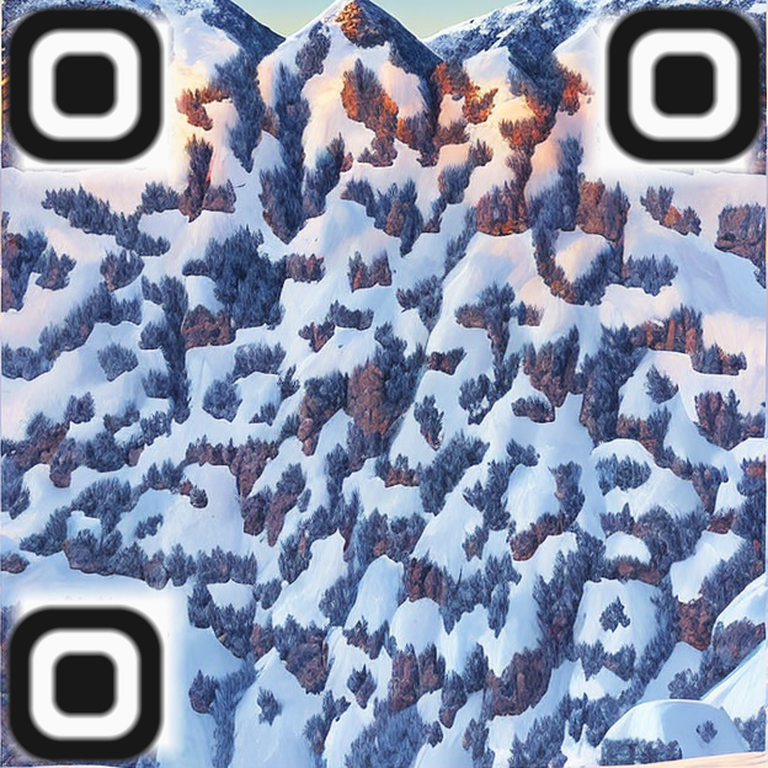
Premium illusion engine. There is no square on top - the whole painting doubles as the code, hidden in the light and shade. Watercolour and illustrated looks. Slower, needs a steadier scan, uses credits.
Make oneGIF / MP4 loops for email, YouTube, TV and billboards. Pick by what you already have.
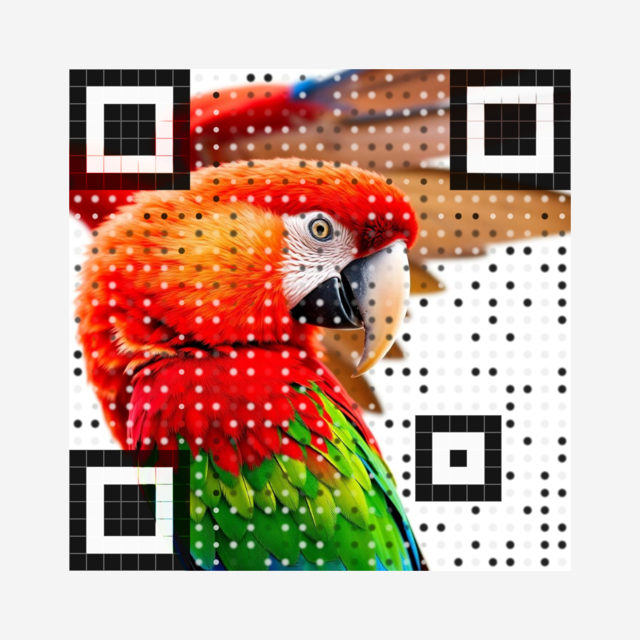
Bring (or generate) several stills - they cross-fade in a loop while one fixed code stays locked underneath. Runs in your browser, no credits.
Make oneUpload your own clip or search the free stock library. Every frame is rebuilt as the code, so the video plays inside it. Nothing is generated, no credits.
Make oneOne still is all you need - QR Coyote Motion invents the movement for you (smile and wave, steam rising, a parrot taking flight), then locks the code over it. Uses credits.
Make onePut review, loyalty and feedback journeys on receipts, tables and packaging.
Send flyers, signs and business cards to menus, bookings, offers or contact details.
Build your logo, product or campaign artwork into a QR people actually notice.
Change the destination later and see which locations, designs and campaigns get scanned.
The code stays a perfect square and drops neatly inside the shape - cups, badges, houses, tickets, tags, seasonal frames. Add your own call to action underneath.
Start with what you want somebody to do. The studio handles the code, creative and campaign setup without sending you through separate tools.
Start with the result: a review, booking, menu, contact, Wi-Fi connection, event page or campaign link.
Pick a dependable standard code, a branded shape, integrated logo, artwork, animation or video.
Download clean files, place the code, watch scan activity and update dynamic destinations later.
A good-looking code still has to work. QR Coyote keeps the full square and quiet zone intact, checks the design as you work, and gives you formats suited to screens and print.
Open the free QR editorContrast guidance and a visible scannability score while you design.
Clean PNG and SVG for static codes, plus GIF and MP4 for moving work.
Update dynamic campaign links without replacing printed material.
See when and where campaigns attract attention, then improve them.
Create practical scan experiences for reviews, menus, loyalty, events, guest galleries, memorials, competitions, business cards and more. Use them for your own business or package them for clients under your brand.
Yes. The studio above builds a protected working preview while you edit. Activate a free account when you want clean files and campaign tools.
The editor checks contrast and scan reliability while you design. More experimental styles are clearly explained before you use them.
Yes, when you use a dynamic QR Coyote link. The printed code stays the same while you change where it sends people.
Static designs support clean PNG and SVG files. Moving experiences can also be exported in GIF or MP4 formats where the selected engine supports them.
No. QR Coyote also includes destination pages, campaign tracking, print tools and 17 standalone services including memorials, guest galleries, menus, competitions and business cards.
Go back to the live studio, make the first version, and activate it when it is ready to leave the screen.
Create my QR